
Have these ready.
You need a clear photo of one person, an account to keep your order with you, and PayPal for the one-time $9.90 payment. You must be 18 or older to pay and have permission to use the photo and the person's likeness.
Open the Burning Bridges AI video generator. The same upload and PayPal flow is also on the homepage. You do not write a prompt or choose a model. Uploading a photo does not charge you; payment does.
What a finished run looks like.
This pair is the public proof for this workflow: the prepared 15-second source, then a real file generated from one photo. Play both clips. Likeness, hands, and small details can vary, so treat this as the current example rather than a guaranteed twin of your face.
Original performance
Generated from one photo
Cost of a new personalized clip: $9.90. Time after PayPal capture: usually a few minutes, and it can take up to about 30 minutes. Download window: 30 days. The review records what this file actually looks like. More on price, refunds, and usage rights.
Make your video in five steps.
Upload one clear photo
On the generator, choose a JPG, PNG, or WebP of one person, with the face and upper body visible. A portrait photo is fine. The finished video is widescreen. You can replace the photo before paying.
Review the example, time, and price
Watch the published original and generated clips. Your order is one silent 16:9 MP4 at 1280×720, 15 seconds long, for $9.90. Generation usually takes a few minutes after payment and can take about 30 minutes. AI likeness and small details can vary.
Sign in and confirm photo permission
Continue to create, then sign in with Google or email so the order is saved in your account. Use a photo you own or have permission to use, including the person’s likeness. You must be 18 or older to pay. Continuing to checkout confirms this permission with your order.
Pay once with PayPal
Pay $9.90 once. There is no subscription, credit pack, or extra fee on this site. Generation starts when PayPal completes the capture, not when you upload a photo or watch the example.
Follow the order page and download the MP4
The private order link shows Waiting for PayPal, then that the video is generating. When it is ready, play the silent 16:9 file and download the MP4. You can leave and come back. Keep a local copy within 30 days.
After payment, the order page title moves from Waiting for PayPal to Your video is generating. You can close the tab. When the file is ready, the same link plays the MP4 and offers a download.
A clear face. Your whole look.
The photo supplies more than facial features. Visible hair, clothing and accessories help describe the lead. An upper-body photo gives the model more information than a tightly cropped face.
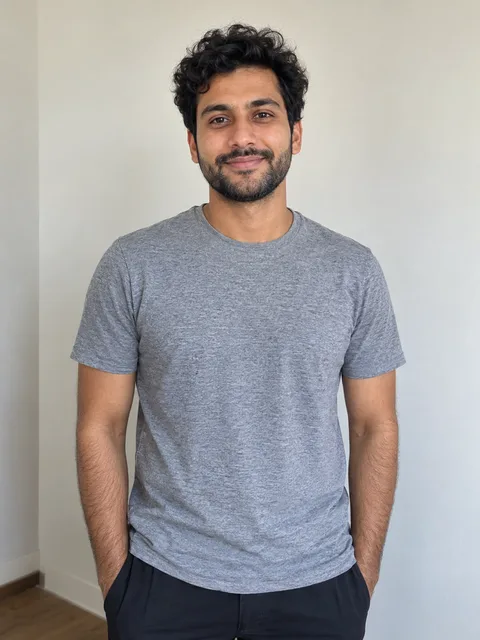
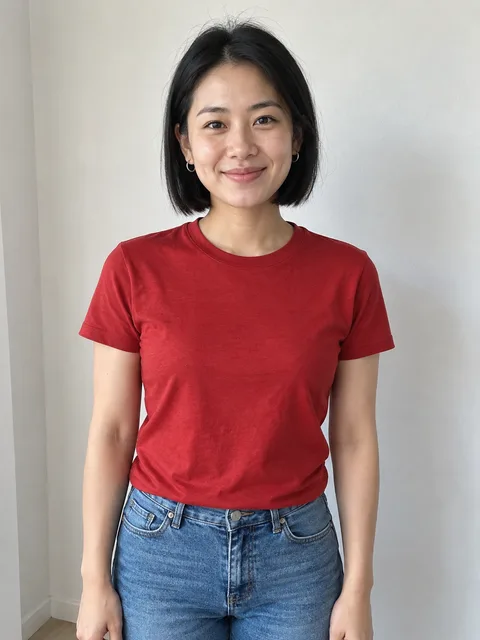
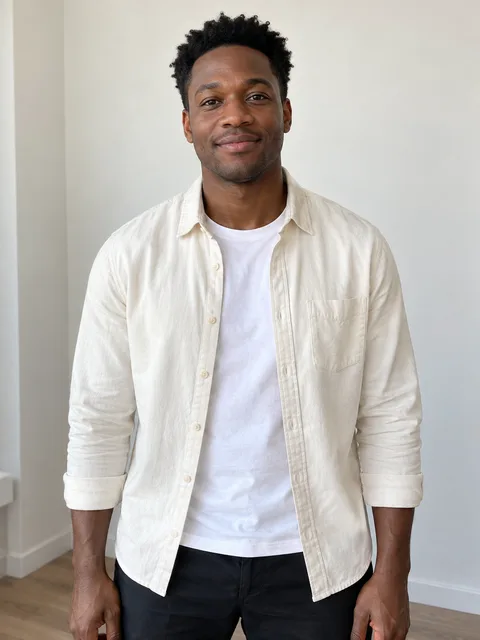
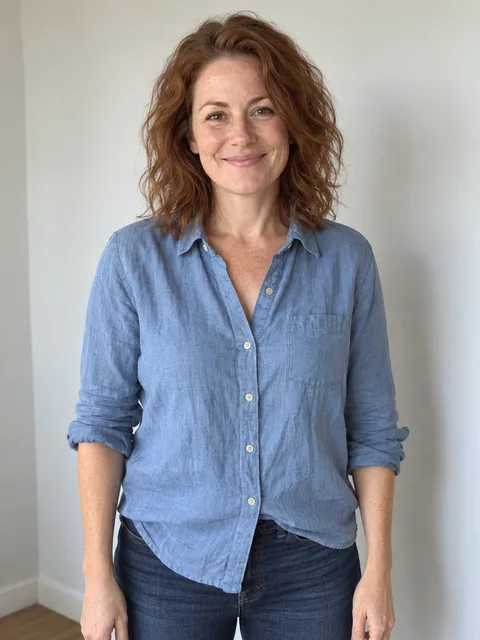
One person, face and upper body visible. AI-created sample portraits.
- Choose one person. Group shots make the intended lead ambiguous.
- Keep the face visible. Avoid sunglasses, heavy shadow, extreme side angles and hands covering the face.
- Use even lighting. A sharp, naturally lit photo gives clearer features than a heavily filtered or blurred image.
- Check the file. JPG, PNG or WebP, up to 10 MB. A portrait photo works; the finished video is landscape.
Watch the whole clip before sharing.
When the order is ready, play the silent file. Look at the face during turns, the hands around the cup and how clothes behave through motion. Those are places where AI-generated details can vary.
Download the MP4 within 30 days and save it on your device. The account player is a convenient delivery location, not permanent storage. If you share the result, make clear that it is an AI edit and check the destination's media rules. The purchase does not include a commercial music license; read usage rights before ads or broadcast use.
Keep your progress in view.
- Upload rejected: check the format and size, export HEIC images to JPG, then select the file again.
- Checkout interrupted: open Your videos before making a second payment.
- Still generating: the queue and generation can take about 30 minutes. You can leave and return to the same order.
- Failed or missing result: contact support with the private order link. A payment for a video that is never delivered is refunded.