
What this Burning Bridges AI video generator does
This generator uses a prepared party performance as its starting point. Your reference photo supplies the appearance of the foreground lead; the source clip guides the gestures, movement through the room, camera framing and timing. You can compare the original and a real generated example in the preview before uploading anything.
The edit is more than a still portrait placed over a frame. Visible hair, clothing and accessories help describe the new character under the scene’s warm lighting. The goal is to carry that appearance through the performance while keeping the familiar cup, room and supporting cast. AI has to interpret turns and occlusions, so the finished result can differ from the photo and reference.
Choose a photo that shows the person and the outfit
Upload a JPG, PNG or WebP smaller than 10 MB. Use one person with a clearly visible face and enough of the upper body to show their clothes. A portrait-shaped photo is accepted even though the delivered video is widescreen. The uploaded image is a character reference, not the final video frame.
Even lighting, a simple background and a view toward the camera make the visible appearance easier to interpret. Avoid a group picture, a face covered by a hand or a crop that cuts through the head. If an accessory or outfit is important, choose a photo where it can actually be seen. Details hidden in the image cannot be supplied reliably by that reference.
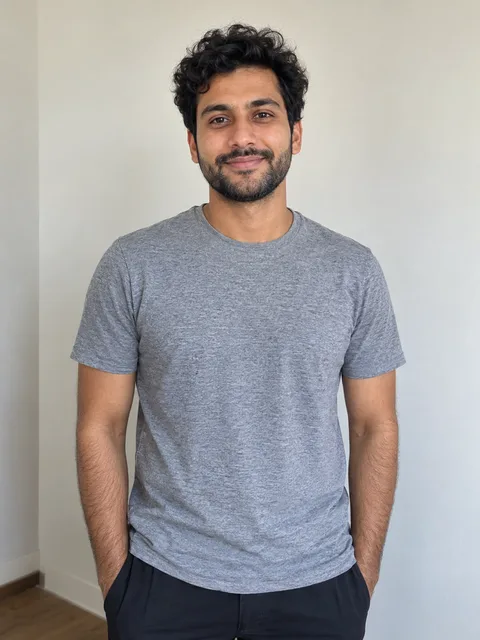
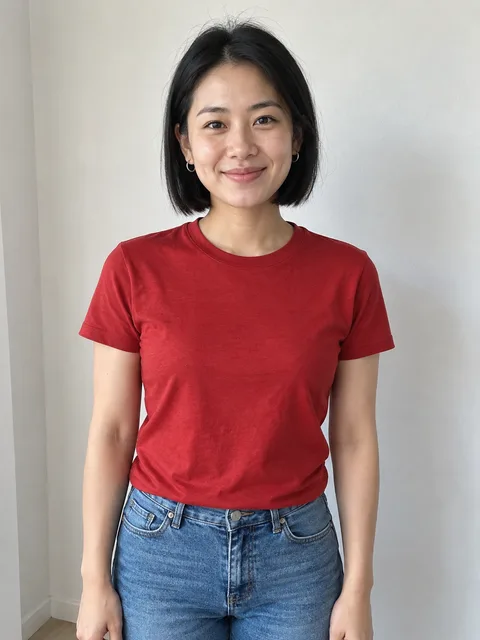
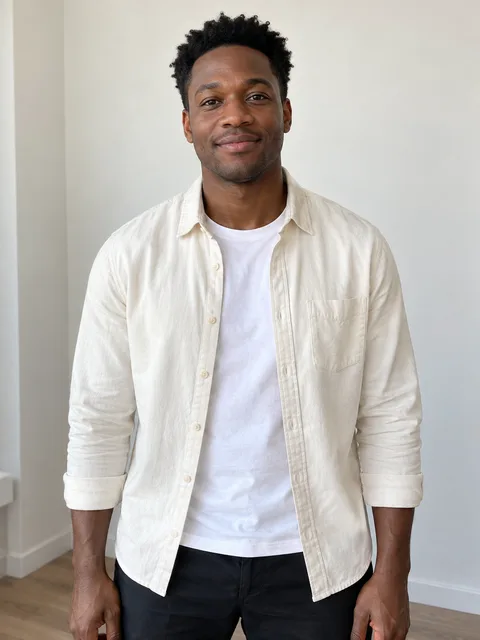
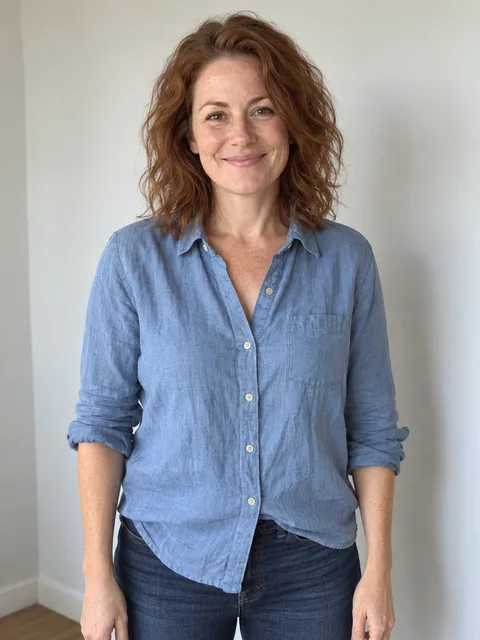
One person, face and upper body visible. AI-created sample portraits.
Your video: 15 seconds, widescreen, silent
- Duration
- 15 seconds
- Resolution
- 720p · 1280 × 720
- Frame
- 16:9 landscape
- Download
- One silent MP4
This is one fixed video format. There is no extended-length option, resolution selector or custom reference-video upload in this workflow. The 15-second output follows the prepared landscape clip. A portrait photo does not change that delivery format into a vertical video.
The finished MP4 is silent. This site does not attach the original Burning Bridges recording or invent a new song.
From upload to download
- Choose your image. Check that it shows one clear person. You can replace the uploaded photo before continuing to payment.
- Sign in and confirm permission. Use your own photo or one you have permission to use. Continuing to checkout records that confirmation with your order.
- Pay once with PayPal. The order covers one finished video. Generation starts after the payment completes, not when you browse the examples.
- Follow the progress. Your order page shows the queue and generation status. You can leave the page and return to your account; keeping the browser open is not required.
- Watch and save the MP4. Once the file is ready, play it and download it from the order page.
Timing depends on the queue and the rendering service. Generation can take around 30 minutes, and waiting in a queue can add time. The order status is the place to check progress; the length of the delivered clip is not an estimate of how long creation takes. See the step-by-step tutorial for the shorter walkthrough.
What to check in your generated example
Look at the lead’s face throughout the clip, including turns and moments when the cup or a hand passes in front. Check whether the clothing reads the way you intended and whether the gestures and background still look natural. Identity, facial movement, hands and small details can vary, even with a clear photograph.
One real generated example is available on the Burning Bridges AI video examples page, next to the original performance. It is a useful way to understand this particular scene before purchasing. The separate scene illustrations and sample portraits are labeled as AI-created illustrations; they are not extra finished customer videos.
A preset workflow without model settings
You do not need to write a prompt, choose an AI model or configure an API to use this page. The character-editing instructions, source video and output settings are prepared for this specific performance. Your main creative choice is the person and appearance in the uploaded photo.
If you already use another AI video platform, treat its tools, accounts and billing as separate from this service. This purchase covers the clip described here. It does not include a subscription or credit balance on another platform. Review our actual sample for the expected kind of result rather than assuming different services produce identical edits.
One payment, file availability and support
The current price is $9.90 for one video. There is no recurring subscription and no bundle of generation credits to manage. See the pricing page for the included format and the non-delivery refund policy. An order requests one generation; if it stops, contact support with your private order link.
Uploaded photos are normally removed within seven days. If a render is still using a photo at that point, it is retained until that render finishes. Finished videos are available for 30 days, so download a copy you want to keep. The privacy policy explains external AI processing, account data and retention. Music and commercial-use limits are on the usage page. This independent creator tool is not affiliated with Drake or his labels.